New: Practice Day
You made the practice plan. Now run it. Practice Day puts your plan on a clock at the field, tells you when to move to the next block, and keeps attendance, notes, and results as you go.
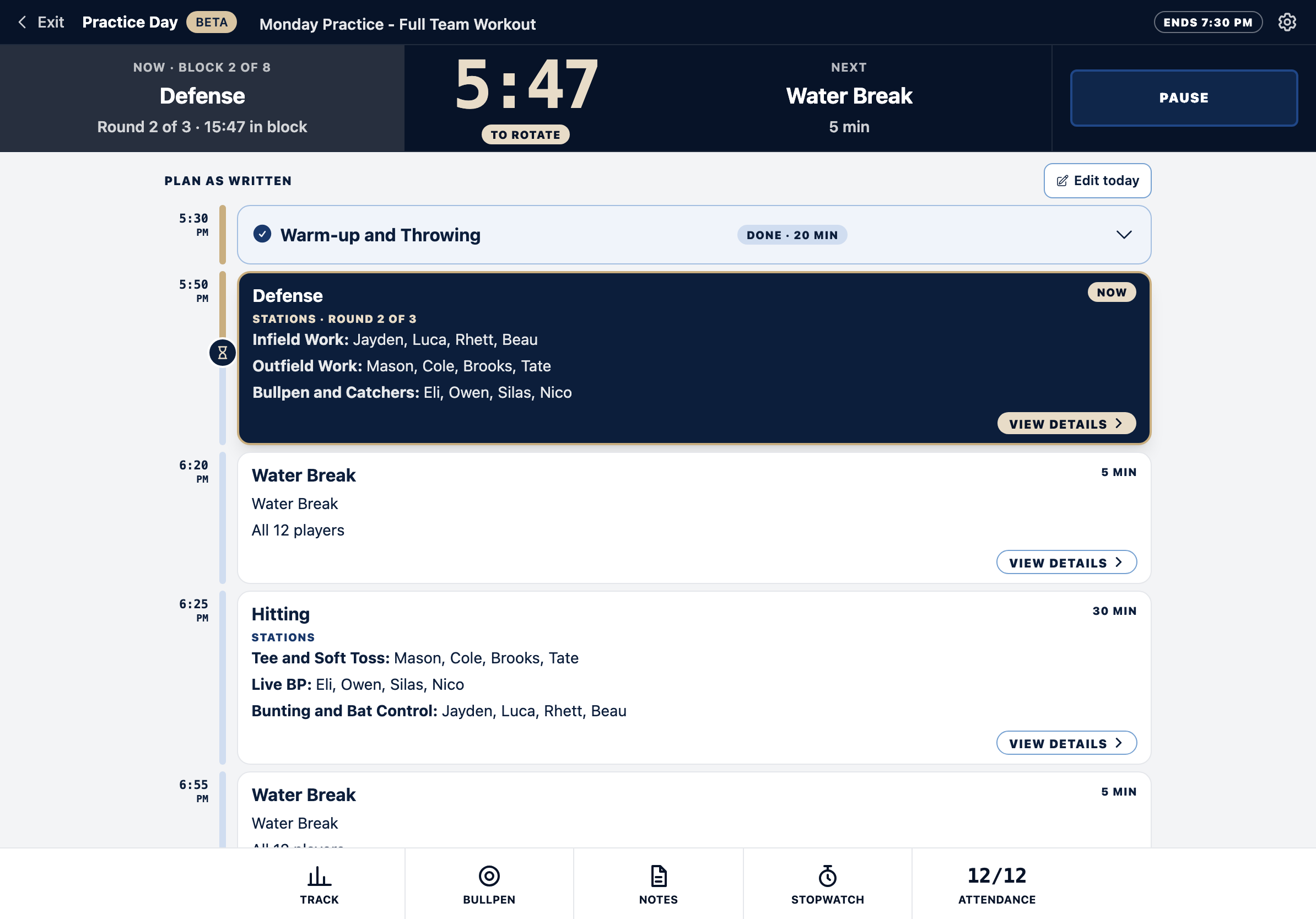
You made the practice plan. Now run it.
Practice Day is the practice twin of the Game Day tool. Open any practice you have planned, tap Start Practice Day, and your phone becomes the clock for the whole practice. Each block counts down, a chime two minutes before the end tells you to wrap up and get water, and an alert at zero moves everyone on. Station rotations count their own rounds and tell you when to rotate. Loud mode plays a horn even when your phone is on silent.
Take attendance before you start and the plan fixes itself: a kid who is out comes off their station, a kid who is late goes back on when you tap Arrived, and Regroup shows you which stations came up short so you can even them out with a couple of taps.
Practice never goes the way it was written, so you can change it while it runs. Skip a block, swap one for something else, or make one longer and take the minutes from the next, and the end time moves with you. Your saved plan stays exactly as you wrote it.
The bar at the bottom holds the tools you used to keep on a clipboard: Track (count reps, made or missed, a race time, or a throw), the Bullpen chart, a stopwatch, notes, and attendance. When you finish, you get a summary of where the time actually went, and the practice shows how it actually ran. Attendance and Track roll up across the season on your team page.
No plan yet? Start without one from the Practice Day page and add drills as you go, then save what you ran as a practice.
Practice Day is part of your membership. Open any practice and tap Start Practice Day, or find it under All Tools in the menu.