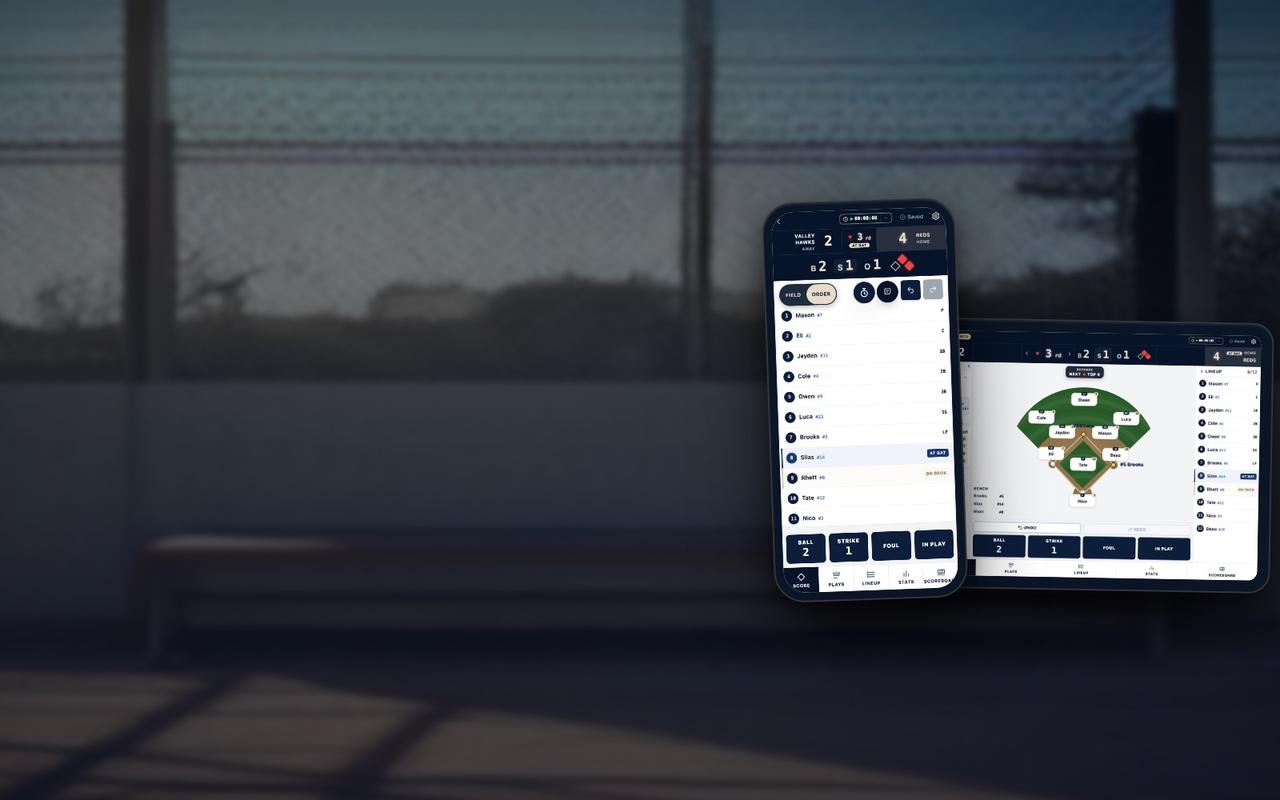
The Dugout Edge App
Dugout Edge is coming to your phone
Score the game, set the lineup and check pitch counts from the dugout.
Get an email on launch day
Use it in your browser today
These tools are free in your phone's browser right now.
- Scorekeeping AppScore a live game and track pitch counts.
- Lineup GeneratorBatting order and fair defense for every inning.
- Practice PlannerBuild a practice from the drill library.
- Digital ChalkboardDraw plays and quiz your team on positioning.
- Wristband SignsMake and print signs cards for your players.
What's in the app
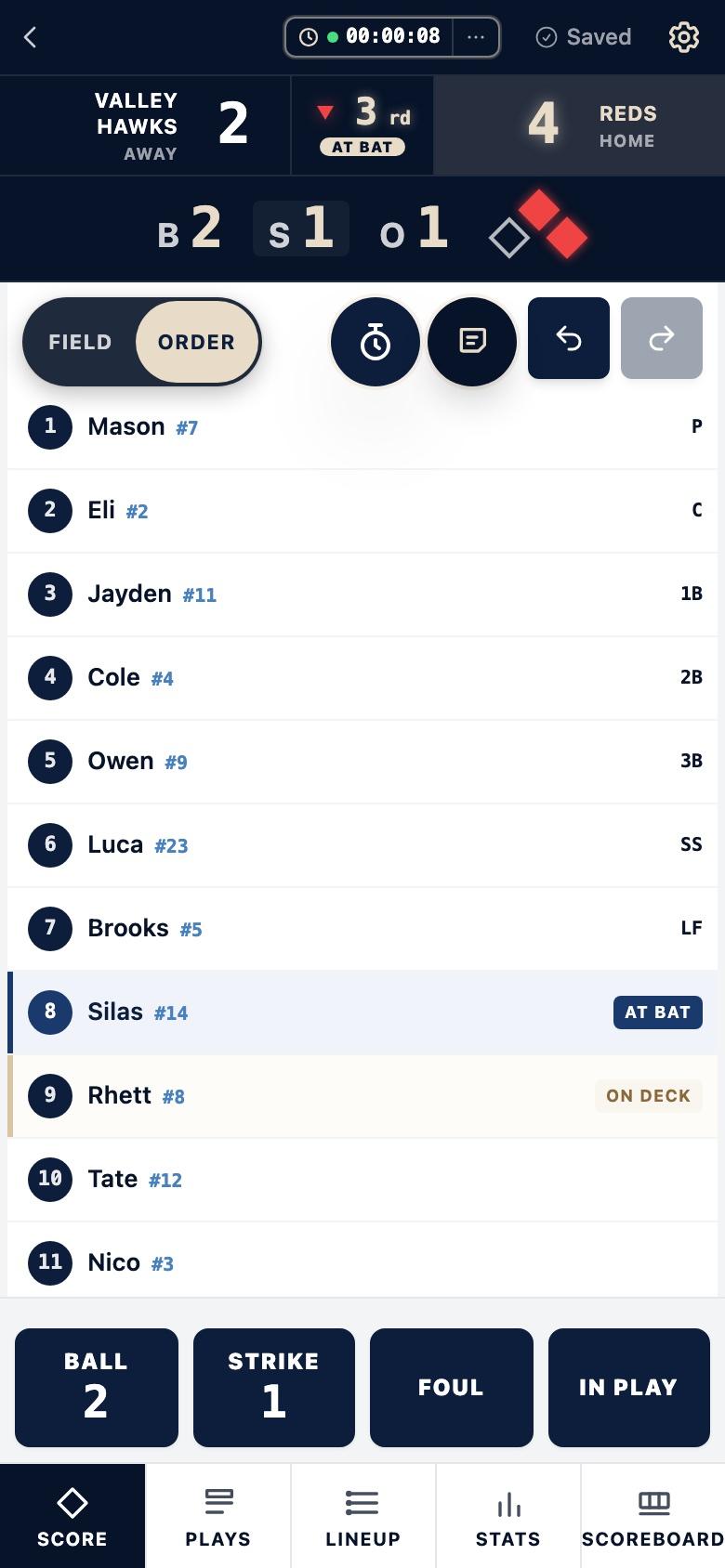
Score the game
Every pitch, from the dugout.
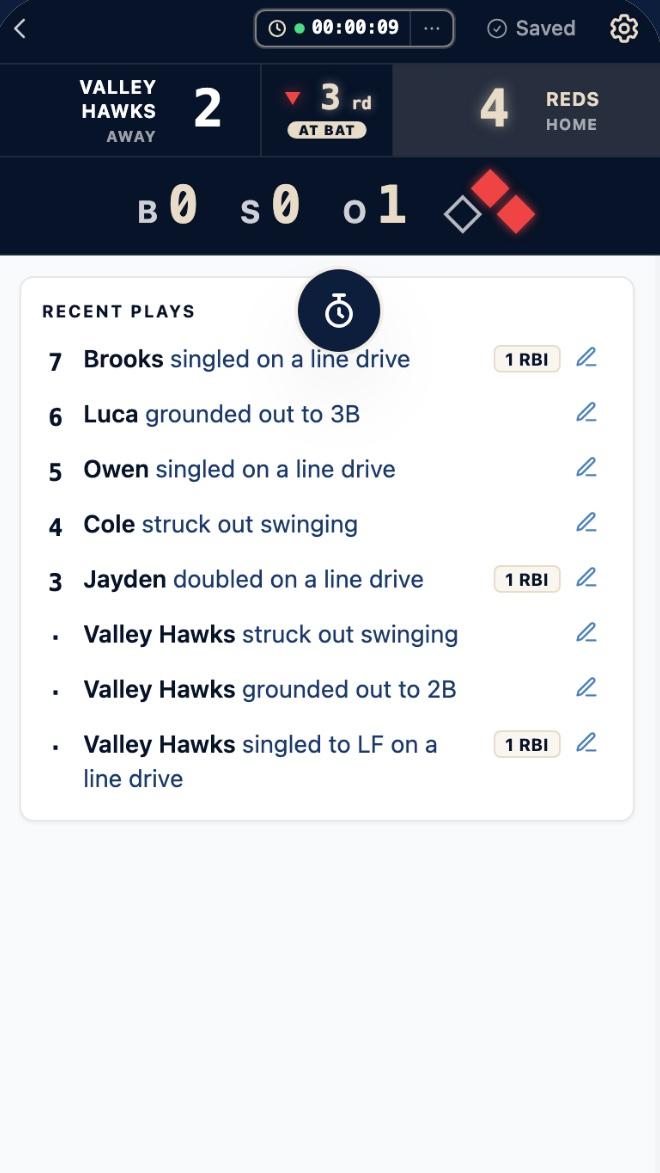
Every play, written out
Stats and the box score fill in as you score.
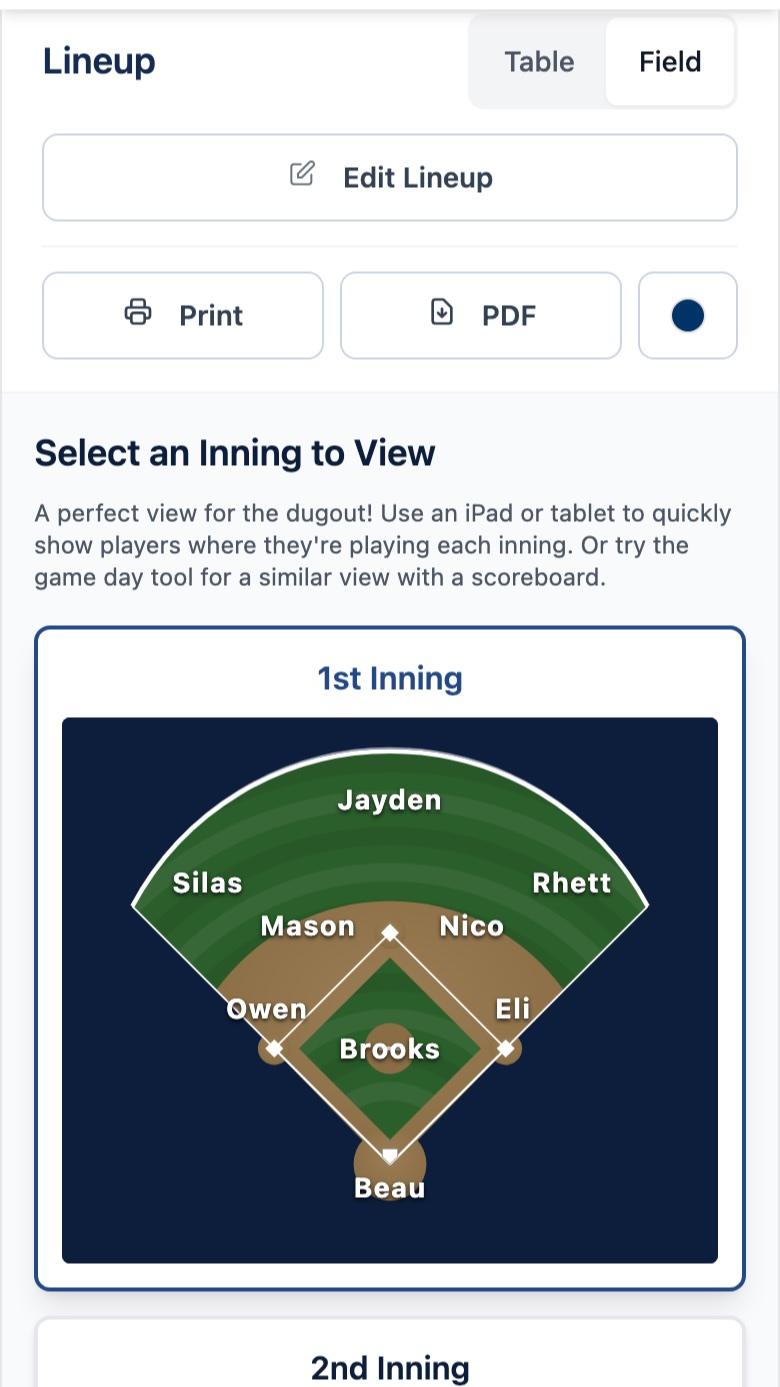
Fair lineups
A batting order and defense for every inning.
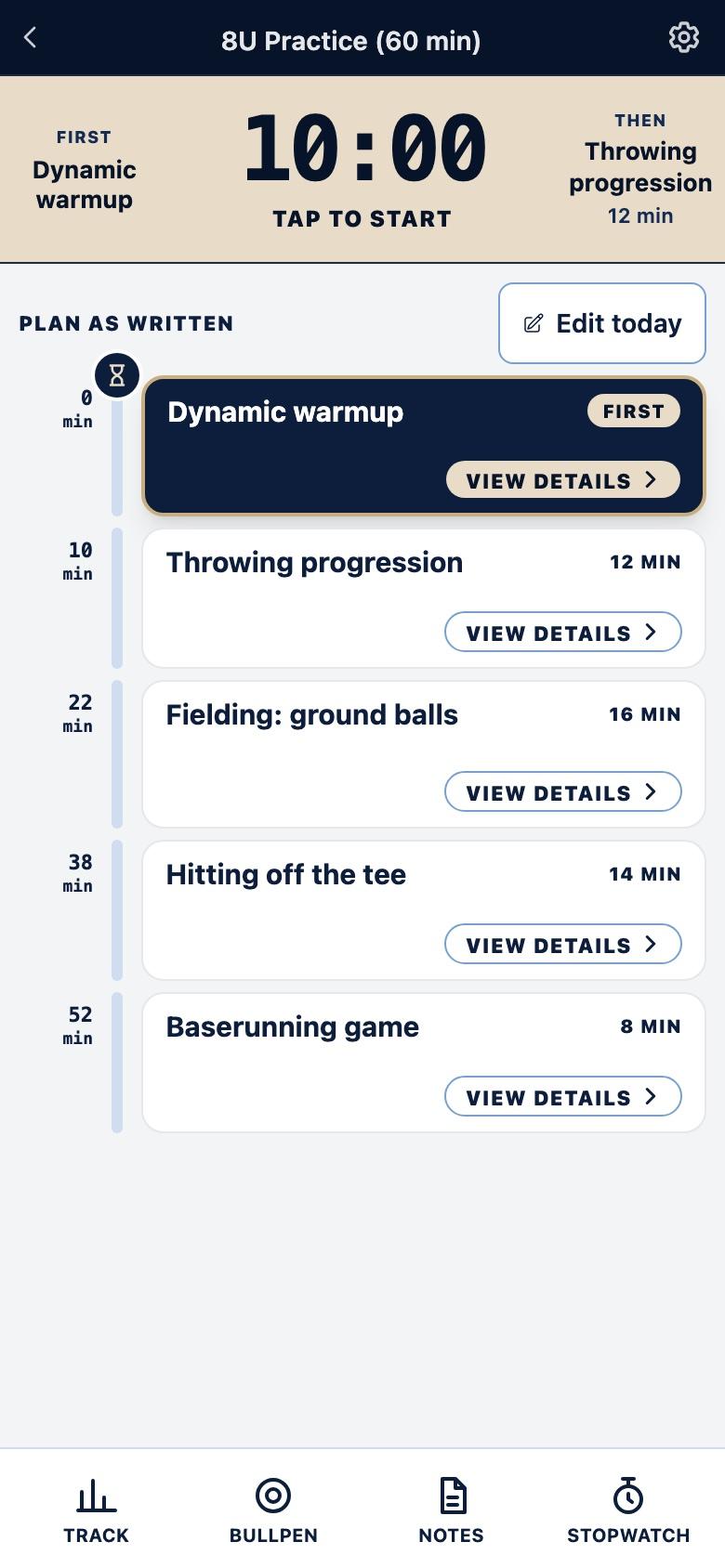
Practice on a timer
Plan it at home, run it on the field.
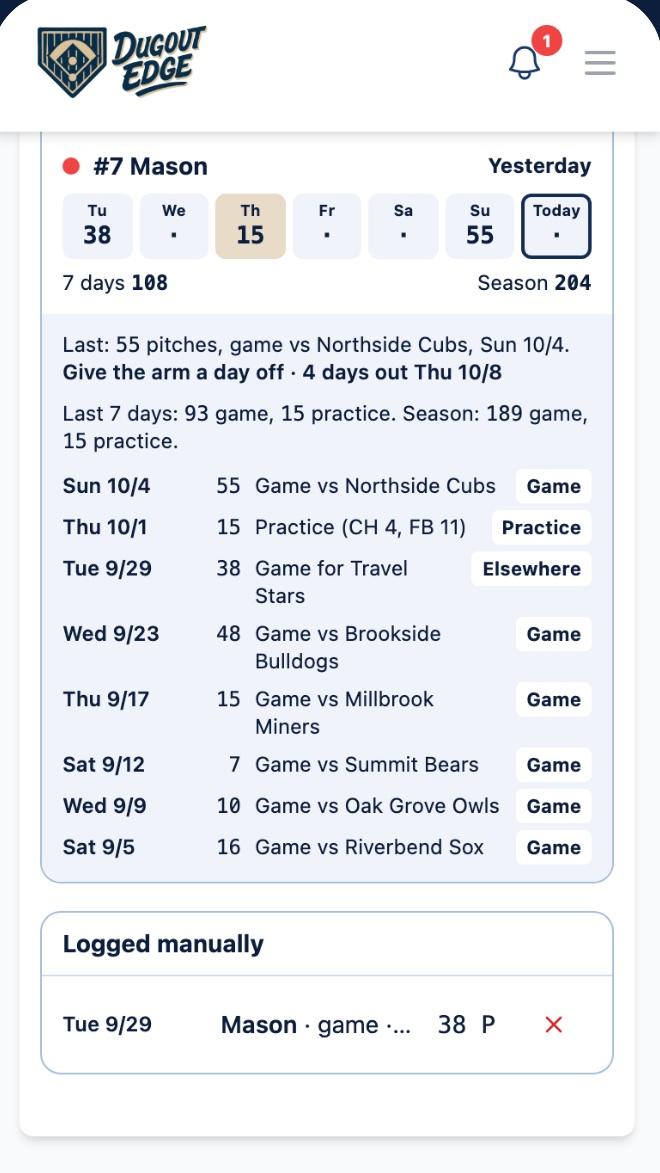
Arm Care
Pitches and days since each arm last threw.
Put Dugout Edge on your home screen
Add the free tools to your home screen and they open from their own icon, like an app.
- 1Open a free tool on your phone.
- 2Tap Share on an iPhone or the menu on Android, then Add to Home Screen.
- 3Dugout Edge opens from its own icon, full screen.
Dugout Edge App questions
- When does the app launch?
- The app is in the works. Everyone on the list gets an email the day it is in the stores.
- Can I use Dugout Edge on my phone now?
- Yes. The Scorekeeping App, Lineup Generator, Practice Planner, Digital Chalkboard, Wristband Signs and the rest of the free tools work in your phone's browser today. To keep one on your home screen, tap Share on an iPhone or the menu on Android, then Add to Home Screen.
- Will my account work in the app?
- Yes. Sign in with the same email and your teams, lineups, practice plans and games are there.
- Does the app cost extra?
- The download is free. A Dugout Edge membership covers the app and the website.
- Is there an iPad version?
- Yes. The app runs on iPhone and iPad, and on Android phones and tablets.